
Education · Premium
Report card (dark) generator
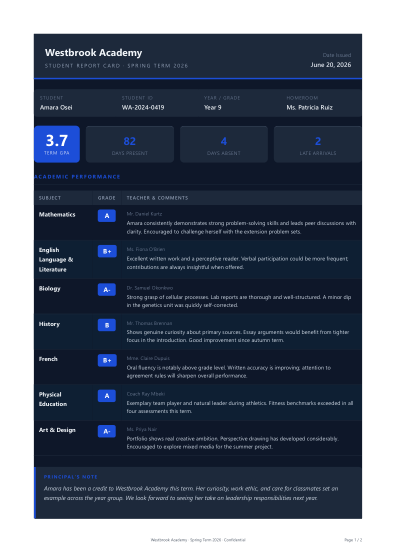
Make a report card (dark) in seconds. Fill in your details and download a polished, branded report card (dark) as a PDF.
› checking access…
How to make a report card (dark)
01
Pick the template
Open the report card (dark) template and choose the style that fits your brand.
02
Add your details
Fill in your report card (dark) fields, or paste your data as YAML or JSON.
03
Download the PDF
Generate and download a clean, branded report card (dark) as a print-ready PDF.